Free tool · No account needed
Free Kaleidoscope Coloring Page Generator
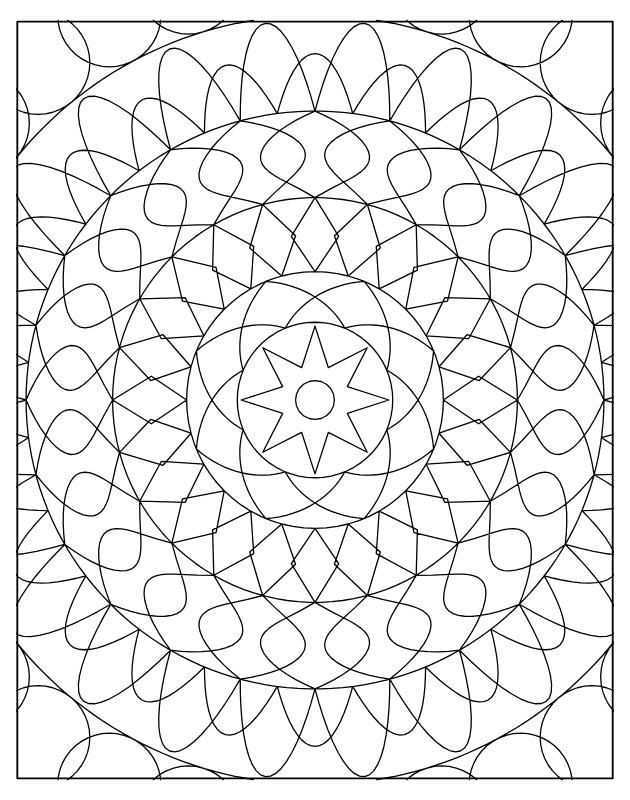
Choose a level of detail and get a new kaleidoscope design to print and color. Rings of overlapping shapes (circles, diamonds, stars, spirals, scales) repeat all around the centre, up to the edges of the page.
One puzzle at a time. Free for personal use, at home or in a classroom. To sell puzzle books, create them in a LogikLand account with a PRO or EXPERT plan, which include commercial rights. The PDF is a US Letter page with a small LogikLand footer.
What is a kaleidoscope coloring page?
In a mandala, the petals sit side by side in crowns. In a kaleidoscope, the shapes overlap and cross each other, which makes many small areas to color.
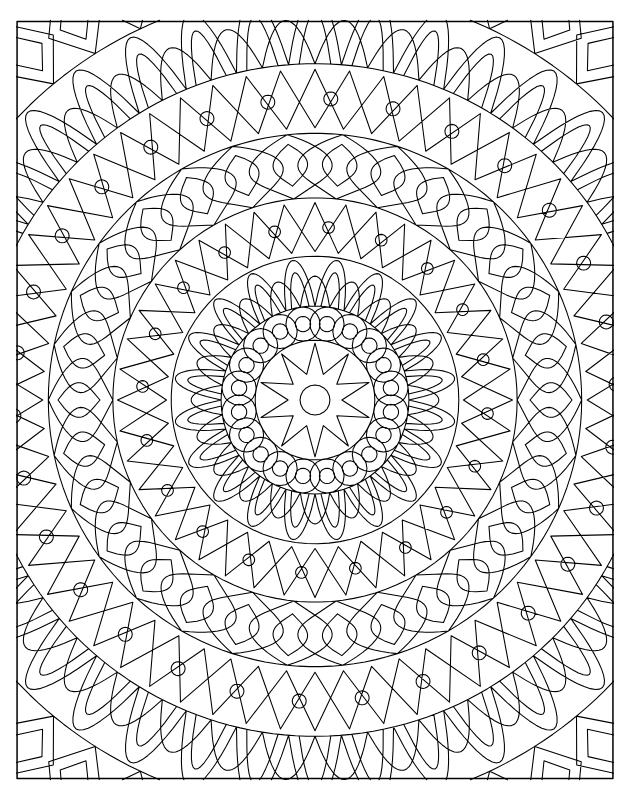
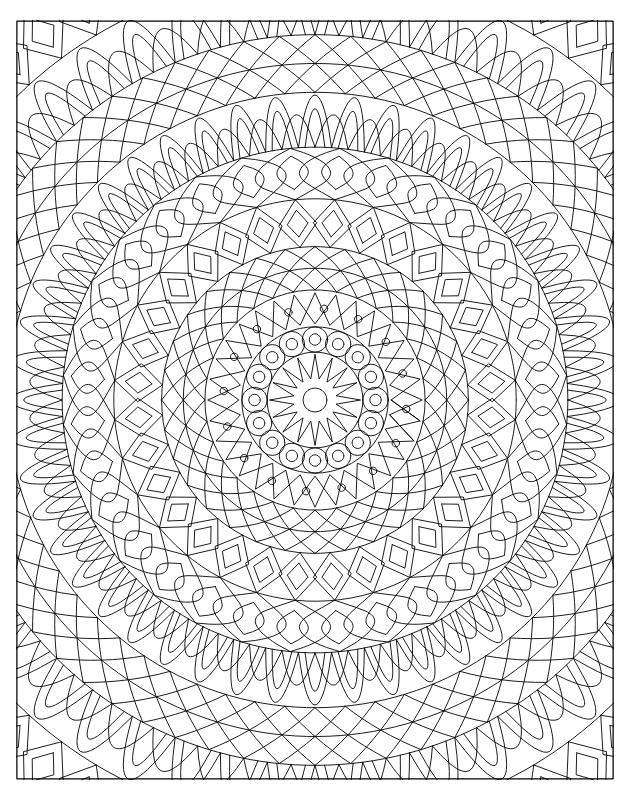
There are 3 levels of detail: 5 rings with large areas, 7 rings, or 9 rings with thin lines.
Free Kaleidoscope Coloring Page Generator: examples
How to use this book
- Each page repeats the same curves all around the centre, like in a kaleidoscope, up to the edges of the page. Repeat your colors around the circle to see the effect.
- Choose your own colors: there is no right or wrong answer, and no solution.
- Place a sheet of paper behind the page you are coloring if you use felt-tip pens.
How to start
Pick one area, choose a color and repeat it everywhere that shape appears around the circle. That is what brings out the kaleidoscope effect.
The levels
| Level | What you get |
|---|---|
| Easy | 5 rings, large areas |
| Medium | 7 rings |
| Hard | 9 rings, thin lines |
Tips
- Work outward from the centre so that your hand does not smudge the finished part.
- Place a sheet of paper behind the page if you use felt-tip pens.
- Keep to a few colors at first, then add small accents.
Want to publish your own puzzle book?
This free tool makes one puzzle at a time. Free for personal use, at home or in a classroom. To sell puzzle books, create them in a LogikLand account with a PRO or EXPERT plan, which include commercial rights. With a LogikLand account, you can build a whole Kaleidoscope book as a PDF (an editable PPTX file with the PRO and EXPERT plans). See how in the Kaleidoscope book guide.
Frequently asked questions
Is this kaleidoscope coloring page generator free?
Yes. The tool is free and needs no account: choose a level, create the puzzle and download the PDF. The PDF carries a small LogikLand footer. Free for personal use, at home or in a classroom. To sell puzzle books, create them in a LogikLand account with a PRO or EXPERT plan, which include commercial rights.
What is the difference with a mandala?
In a mandala, the petals sit side by side in crowns. In a kaleidoscope, the shapes overlap and cross each other, and the design goes up to the edges of the page.
Is there a solution page?
No. A coloring page has nothing to solve, so the PDF has one page.
What changes between the levels?
Easy: 5 rings, large areas. Medium: 7 rings. Hard: 9 rings, thin lines.
Can I make a whole book of these?
Yes, with a free LogikLand account: the Kaleidoscope book wizard makes many pages in one book, ready to print, as a PDF (an editable PPTX file with the PRO and EXPERT plans). The FREE plan makes books of up to 50 pages, PRO up to 100 and EXPERT up to 200. Free for personal use, at home or in a classroom. To sell puzzle books, create them in a LogikLand account with a PRO or EXPERT plan, which include commercial rights.
More free tools: All puzzle generators | Arrowword | Hexagon Maze | Letter Grid | Doodle Coloring Page
Last updated: November 2026